


 English
 中文简体
中文简体 русский
 Español
 Deutsch
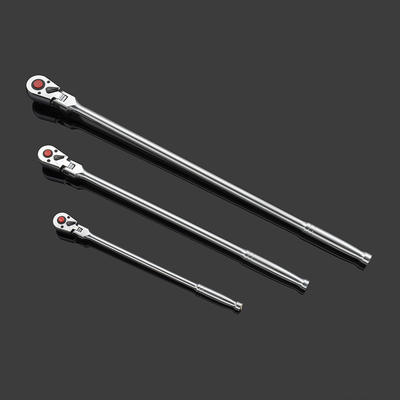
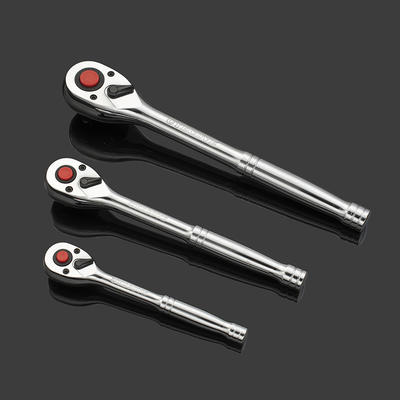
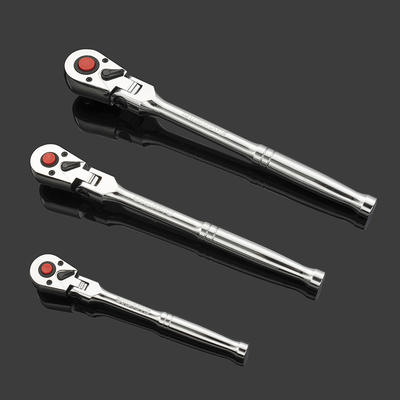
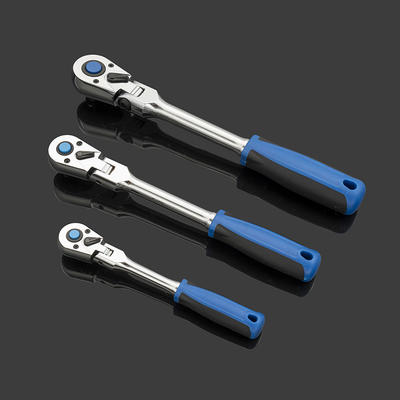
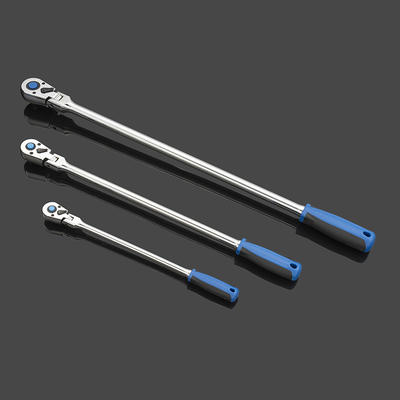
Flexible head extra long ratchet handle
Gear head material 42CrMo is a kind of steel type, belongs to ultra-high strength steel, high streng...
A Tekton electronic torque wrench lets you set a precise target torque, then alerts you — with a beep and LED flash — the moment you reach it. No guesswork, no over-tightening. Whether you are torquing lug nuts to 100 ft-lb or engine bolts to 18 Nm, the process is the same: power on, select your unit, dial in the value, and turn until the wrench signals completion.
Before your first use, spend two minutes on setup so the wrench behaves exactly as expected in the field.
Insert the batteries with correct polarity, press and hold the power button for about two seconds, and the LCD will light up showing the last-used setting. The wrench is ready to configure.
Tekton electronic torque wrenches support multiple measurement units. Pressing the UNIT button cycles through them:
| Unit | Common Use Case | Typical Range |
| ft-lb | Lug nuts, suspension, drivetrain | 10–250 ft-lb |
| in-lb | Small fasteners, interior trim | 120–2,000 in-lb |
| Nm | Metric specs, engine work | 14–340 Nm |
| kg-cm | Fine-detail metric applications | 140–3,500 kg-cm |
Always match the unit on the wrench to the unit in your service manual before entering a value. A mismatch — for example, reading 100 when the spec is 100 Nm but the wrench is set to ft-lb — can result in under-torque by nearly 26%.
Once you have selected the correct unit, use the UP and DOWN arrow buttons to reach your target value. Most models allow:
After reaching your desired torque, wait about three seconds without pressing any button. The display will stop flashing, confirming the value is locked in. Some models show a small lock icon on-screen as confirmation.
Example: For standard passenger-car lug nuts, a typical spec is 80–100 ft-lb. Set the wrench to the exact value listed in your vehicle's owner manual rather than a round estimate.
Proper technique ensures the reading is accurate and the fastener is seated correctly. Follow these steps every time:
The alert system on a digital torque wrench is designed to trigger at ±2–4% accuracy within the wrench's rated range — far more reliable than feel alone.
Tekton electronic models include operating modes that go beyond simple clockwise tightening.
A direction toggle (often labeled CW / CCW) lets you measure torque when loosening or working on left-hand-thread fasteners. Flip it before use so the sensor reads in the correct direction. Using CW mode while loosening gives a false low reading and no alert.
In Peak mode, the display holds the highest torque value reached during an application — useful for checking whether a fastener was previously tightened to spec. The reading stays on screen until you reset it.
Track mode shows torque in real time as you apply force, updating continuously. This is helpful for gradual, controlled tightening sequences — for example, cylinder head bolts that require staged torque in multiple passes.
Electronic torque wrenches are precision instruments. Maintaining calibration keeps readings within spec over time.
Most Tekton electronic wrenches ship pre-calibrated and include a calibration certificate traceable to national standards. Keep this certificate for professional or safety-critical work records.
Even experienced technicians make these errors when first switching to an electronic model:
No. Unlike mechanical click wrenches, electronic models do not use a tensioned spring mechanism, so storing at any setting does not affect calibration or component life.
The wrench emits an audible beep and the LED indicator flashes simultaneously. Stop applying force immediately when you hear and see the alert.
Yes, but switch the direction mode to CCW first. Using the wrong direction setting gives inaccurate readings and no alert.
The display will typically show an overload warning. Exceeding the rated maximum can damage the internal sensor and void calibration — use a higher-capacity wrench for those applications.
Battery life varies by use frequency, but under normal shop use a set of AAA batteries lasts several months. Replace them as soon as the low-battery icon appears to maintain reading accuracy.
Yes. The included calibration certificate and ±2–4% accuracy rating meet the requirements for most professional automotive and mechanical applications.
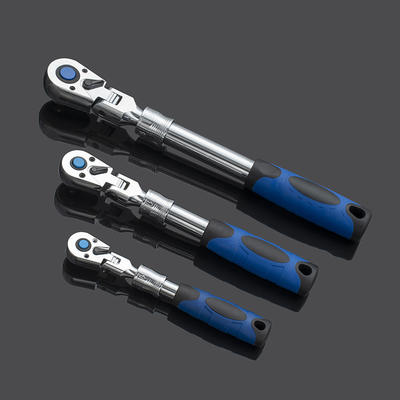
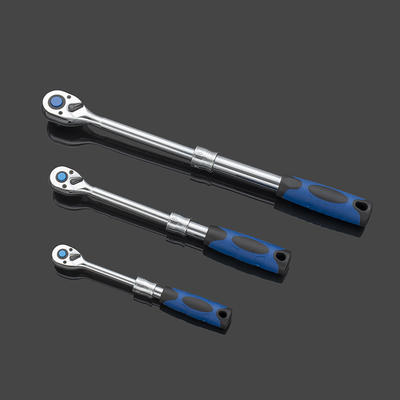
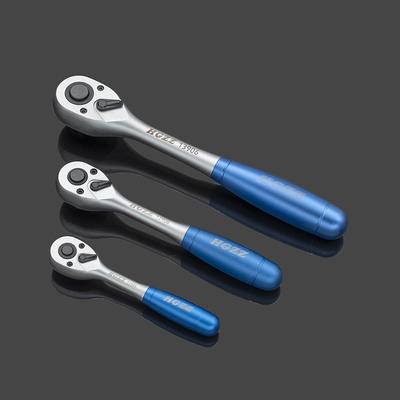
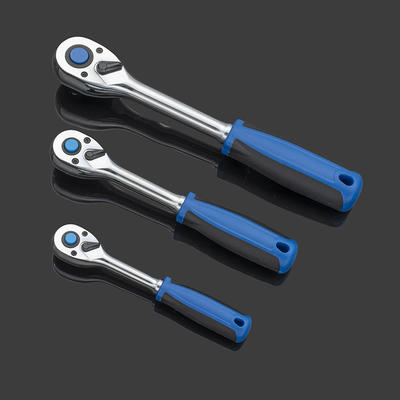
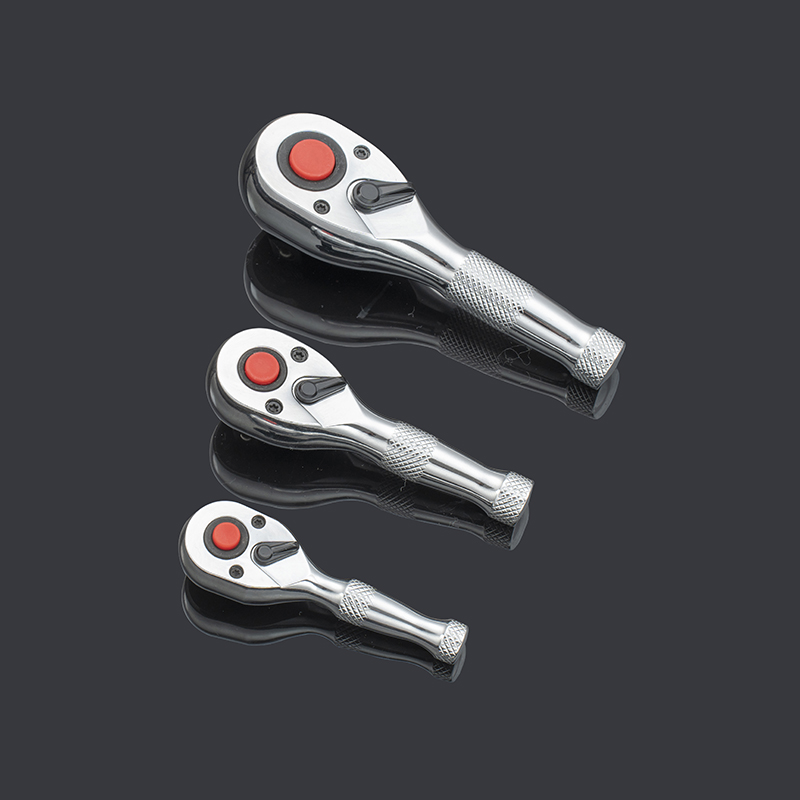
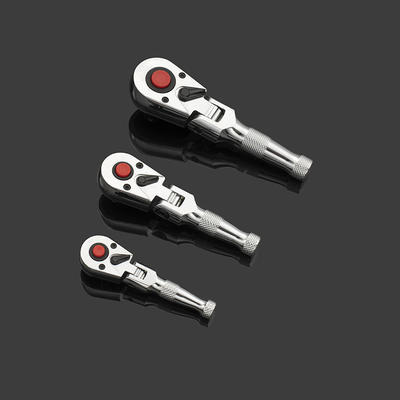
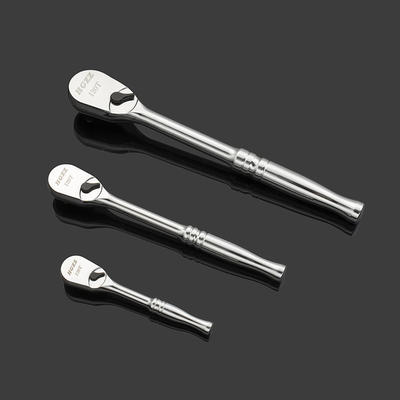

Committed to the production of torque wrenches, ratchet wrenches, sleeve tool sets and other auto and hand tools products.
 Add: Yiqiao Town, Xiaoshan District, Hangzhou City, Zhejiang Province, China. 311256
 Tel: +86-18072832111
 E-mail: [email protected]
Copyright ©2023 Hangzhou Hao Gong Tools Co., Ltd. All Rights Reserved
Mini Ratchet & Digital Torque Wrench Set Suppliers
