


 English
 中文简体
中文简体 русский
 Español
 Deutsch
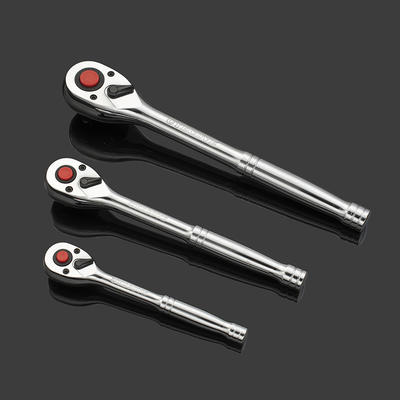
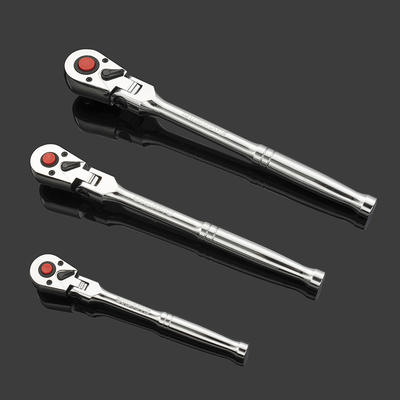
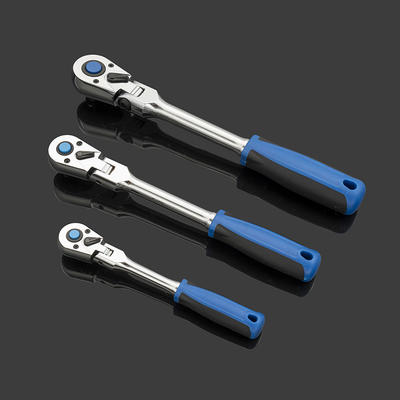
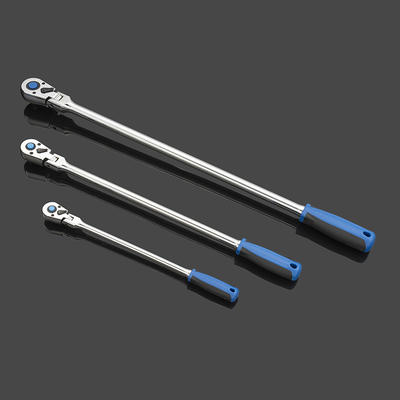
Flexible head extra long ratchet handle
Gear head material 42CrMo is a kind of steel type, belongs to ultra-high strength steel, high streng...
To check torque with a digital torque wrench, attach the correct socket, set your target torque value on the display, apply steady force to the fastener until the wrench alerts you (beep, vibration, or LED flash), then read the final torque value on the screen. The entire process takes seconds and gives you a precise, readable measurement — no interpretation needed.
Unlike analog or click-type wrenches, a Digital Display Torque Wrench shows real-time torque readings on an LCD screen, making it far easier to achieve and verify exact torque specifications on every fastener.
Preparation ensures accurate, safe torque measurements. Before picking up your digital torque wrench, confirm the following:
Follow these steps for accurate torque checking and tightening every time:
A digital torque wrench screen typically shows several types of information at once. Here's what common display elements mean:
| Display Element | What It Means |
|---|---|
| Real-time torque value | Current force being applied in selected unit |
| Target torque indicator | The pre-set value you entered as your goal |
| Peak hold value | Highest torque reached during application |
| Unit display (Nm / ft-lb / in-lb) | Currently selected measurement unit |
| Battery indicator | Remaining battery life |
| Direction indicator (CW/CCW) | Clockwise or counterclockwise tightening mode |
Most professional-grade digital torque wrenches have a measurement accuracy of ±2% to ±3% in the clockwise direction. This level of precision makes them suitable for critical fastening tasks in automotive, aerospace, and industrial work.
Many users want to verify whether a fastener is already at the correct torque — not just apply new torque. Here's how the two tasks differ:
Set the target value, tighten until the alert triggers. This is the most common use case — ensuring a bolt is tightened to specification during installation.
To check if a fastener is already at the right torque, use the peak measurement mode. Apply light increasing pressure to the bolt in the tightening direction. Watch the display — the moment the bolt begins to move, note the reading. If it matches spec, torque is correct. If it moves below the target value, the fastener is undertorqued.
This method works best when you apply force slowly and observe the first movement point carefully. Do not overtighten during this check — stop as soon as the fastener begins to rotate.
Knowing typical torque values helps you set your wrench correctly and quickly. The table below shows common references:
| Application | Typical Torque Range | Recommended Unit |
|---|---|---|
| Passenger car lug nuts | 80 – 120 ft-lb | ft-lb |
| Truck / SUV lug nuts | 120 – 160 ft-lb | ft-lb |
| Spark plugs | 15 – 25 Nm | Nm |
| Brake caliper bolts | 25 – 45 Nm | Nm |
| Cylinder head bolts | 60 – 100 Nm | Nm |
| Bicycle stem bolts | 5 – 7 Nm | Nm |
| Electronics enclosure screws | 10 – 30 in-lb | in-lb |
Always confirm specifications with the component manufacturer's documentation — the values above are general references only.
Even the best digital torque wrench can give poor results if used incorrectly. These practices ensure maximum accuracy:
Most digital torque wrenches offer two main measurement modes. Choosing the right one matters:
Displays torque continuously as force is applied. Best for tightening fasteners to a specific value and stopping precisely at the target. You can watch the reading climb in real time.
Captures and holds the maximum torque value reached during the operation. Ideal for checking if a fastener was previously torqued correctly, or for auditing existing assemblies. The reading remains on screen after you release the wrench.
Some advanced models also offer a first-peak mode, which records the torque value at the exact moment the fastener first begins to move — the most accurate method for torque verification without overtightening.
A digital torque wrench contains sensitive strain-gauge sensors. Proper care extends its service life and protects accuracy:
Digital torque wrenches typically offer ±2% accuracy in the clockwise direction, while click-type wrenches are usually rated at ±4%. The digital display also eliminates the need to interpret a physical click, reducing user error.
Some models support counterclockwise (CCW) measurement mode for loosening, but this is not their primary purpose. Do not use a torque wrench as a general breaker bar — it can damage the internal sensor.
A continuous beep typically indicates the target torque has been reached or exceeded. Stop applying force immediately and check the display to confirm the final reading.
Calibrate every 5,000 cycles or once a year, whichever comes first. More frequent calibration is recommended for high-precision industrial or safety-critical applications.
Variation of ±2–3% across repeated measurements is normal and within specification. Larger variation may indicate a dirty or damaged fastener, incorrect technique, or a wrench that needs calibration.
Some models allow a pre-alert at a percentage below the target (e.g., 90% of target). Check your wrench's manual for programmable alert settings.
Only if the model has a water-resistance or IP rating. Standard digital torque wrenches should be kept away from water, as moisture can damage the electronic display and sensor components.
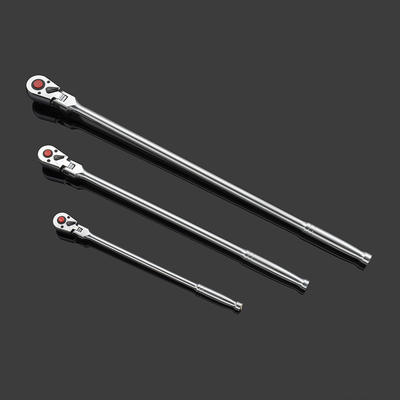
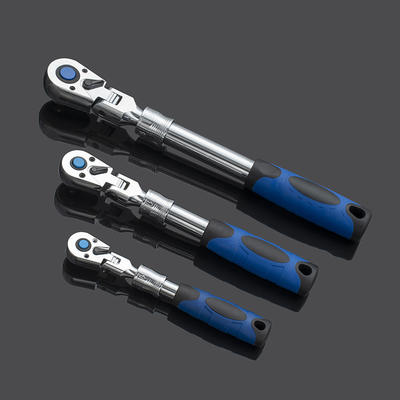
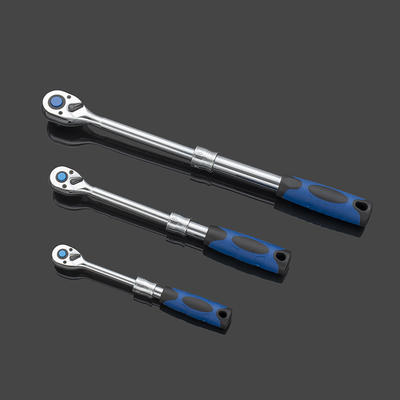
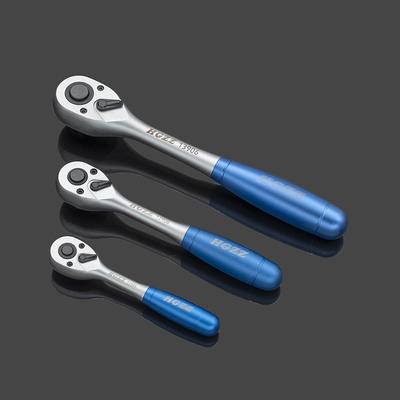
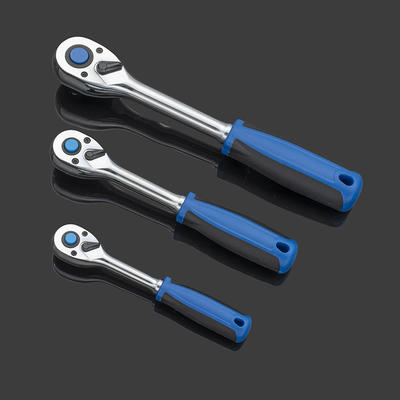
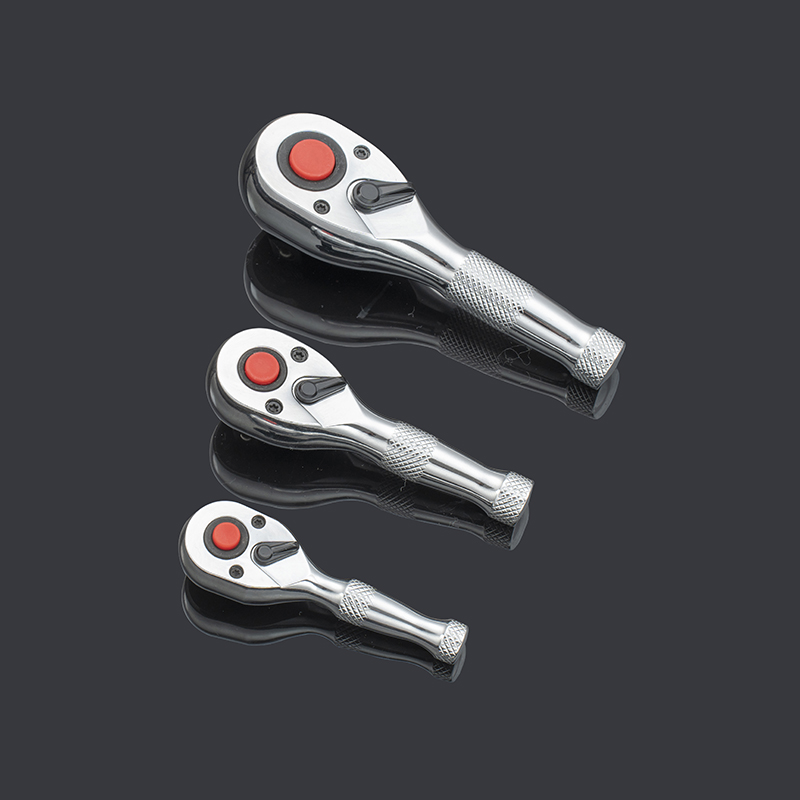
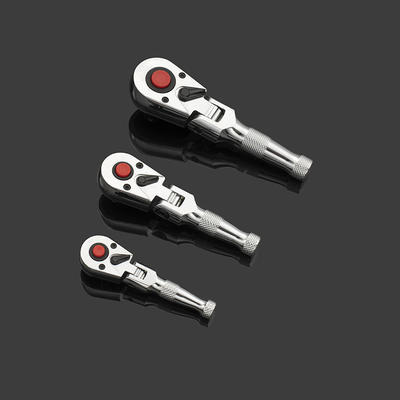
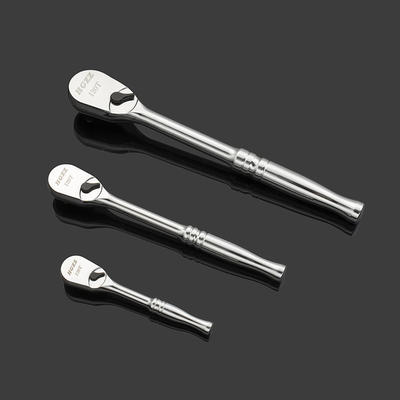

Committed to the production of torque wrenches, ratchet wrenches, sleeve tool sets and other auto and hand tools products.
 Add: Yiqiao Town, Xiaoshan District, Hangzhou City, Zhejiang Province, China. 311256
 Tel: +86-18072832111
 E-mail: [email protected]
Copyright ©2023 Hangzhou Hao Gong Tools Co., Ltd. All Rights Reserved
Mini Ratchet & Digital Torque Wrench Set Suppliers
